
Key takeaways
- The SEO title, meta description and URL handle live in the Search engine listing section, separate from the visible title and description.
- When the SEO fields are empty, Shopify falls back to the product title and description, so clearing a field is also a change.
- The URL handle is the riskiest field: changing it without a redirect turns old links into 404 pages.
- Review SEO changes field by field against what is live, before publication, not after a ranking drop.
Where Shopify keeps the SEO title and meta description
Every product, collection, page and blog post in Shopify has two titles and two descriptions. The first pair is what shoppers see on the storefront: the product title and the product description. The second pair is what search engines see: the page title and the meta description.
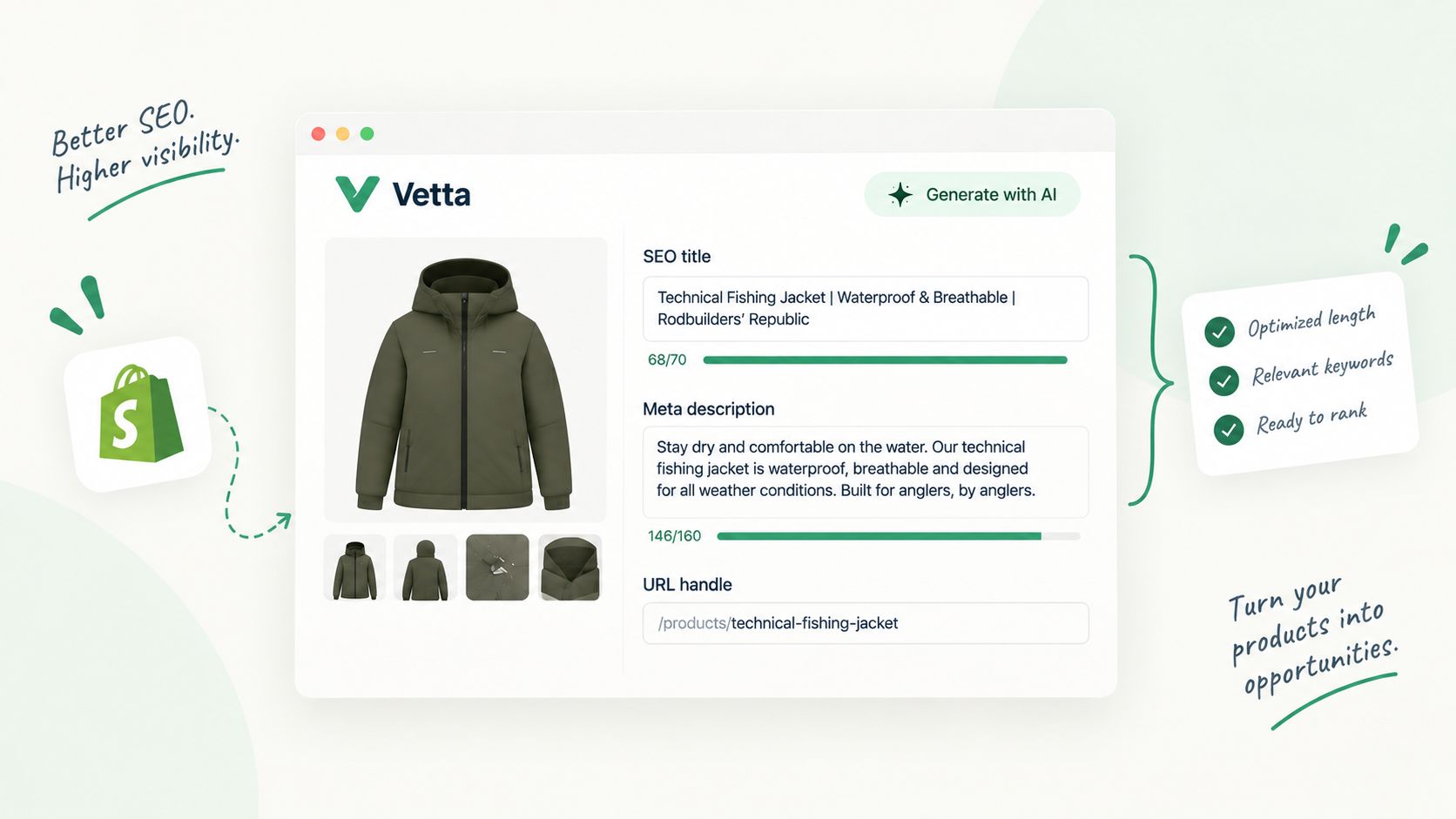
The second pair lives in the Search engine listing section, near the bottom of the editor. On a product, you open it with the pencil icon and get three fields:
| Field | What it controls | Where it shows |
|---|---|---|
| Page title | The title tag of the page | The blue link in search results |
| Meta description | The meta description tag | The snippet under the link, when Google uses it |
| URL handle | The last part of the URL | The address bar and every link to the page |
Collections have the same section with the same three fields. Pages and blog posts have an equivalent block in their own editors. Shopify’s help center notes that titles over 70 characters and descriptions over 320 characters might get cut off in search results.
Under the hood, Shopify stores the page title and meta description as two metafields in the global namespace, title_tag and description_tag. That detail matters for one reason: any app or script with write access to your products can change them through the Admin API, without ever opening the editor you look at.
What shows when the fields are empty
Shopify’s developer documentation is explicit on products: when you create one, its page title and meta description default to the product title and description. Your theme then decides how the final <title> tag is assembled, often appending the store name.
This fallback has two consequences that are easy to miss:
- Editing the visible title changes the search result if the page title field was never filled in. A merchandiser who renames “Merino Crew Sweater” to “The Everyday Sweater” for a campaign has also rewritten the search snippet.
- Clearing an SEO field is a change. A tool that writes an empty value does not leave things as they were: it hands the result back to the fallback, which is usually the first lines of a description written for shoppers, not for a results page.
So when you review SEO changes, you are really reviewing two layers: the explicit SEO fields, and the visible fields they fall back to.
Handles and redirects: the field that breaks links
The URL handle is the part of the address after /products/ or /collections/. Change it and every link pointing to the old address (from Google, from newsletters, from other sites, from your own menus) now leads somewhere else.
When you edit a collection’s handle in the admin, Shopify offers a checkbox to create a redirect from the old URL to the new one, so visitors don’t land on a 404 page. In the Shopify mobile app the option is labelled “Create a URL redirect from the previous handle”. Shopify’s help center also advises not to edit handles too often, or the item might not display in search results.
Two cases deserve extra care:
- Changes made outside the editor. A redirect is created when someone ticks that box. An app or agent that updates the handle through the API may or may not create one; check your list of URL redirects in the admin after any bulk change.
- Redirects only work from broken URLs. Shopify redirects a URL only if it no longer loads a page. If the old handle is reused by another product, the redirect never fires.
How AI tools rewrite these fields without you noticing
AI SEO apps and agents are good at exactly this job: take 400 products, write a keyword-rich page title and a meta description under the length limit for each, and save them. The problem isn’t the quality of any single rewrite. It’s that the change happens in a field nobody opens, across hundreds of items, in one pass.
Side effects to watch for when an AI tool touches the search engine listing in bulk:
- Every meta description follows the same template, so 400 snippets start with the same five words.
- Brand names, model numbers or regulated terms (“organic”, “waterproof”) are added or dropped.
- The handle is “optimised” too, sometimes without a redirect.
- Only the source language is updated, leaving translations with the old copy, or the translations are rewritten with a different angle.
- A field is emptied because the tool had nothing to write, and the fallback takes over.
None of this shows up on the product page a shopper sees. It shows up weeks later in Search Console, when impressions or click-through rate move and nobody can say what changed.
An SEO field nobody reads after launch is a field anybody can rewrite.
A review checklist for SEO field changes
Run this against the proposed version, compared with what is live. Anything that fails goes back to the author, whether that author is a person or an agent.
- Page title reads naturally and names the product
- Page title stays under about 70 characters
- Meta description stays under about 320 characters
- Meta description matches the page, not a template
- No new claims the product page can’t back up
- Brand, model numbers and regulated terms preserved
- No SEO field emptied unless intended
- Handle unchanged, or changed with a redirect
- Old handle not reused by another item
- Each translation reviewed, not just the source language
- Metafields used by the theme left intact
- Change attributed to a named author and reviewer
Where field-level diff and approval help
The checklist is easy to run on one product. On 400, you need to see only what changed, and you need the change to wait until someone has looked at it.
That is the gap Vetta covers. Changes to products, collections, pages and articles are proposed as versions, by a person, a CSV import or an AI agent connected over MCP, and they reach the storefront only once a reviewer approves them. The review screen shows a field-level diff of live against proposed, word by word: title, handle, descriptions, page title and meta description, tags and metafields, with one tab per published translation. A reviewer can approve, request changes or reject, with a note. AI agents can propose but cannot approve or publish.
Because every version is kept, including edits made directly in the Shopify admin, you can also answer the question that usually comes after a ranking drop: which SEO fields changed, when, and who approved it. If a rewrite turns out worse, restoring the previous version adds a new version on top rather than erasing history.
You can see how the review step works on the approval workflow page. Whatever tool you use, the principle is the same: SEO fields deserve the same review as the copy shoppers read, because search engines read them first.
Sources and references
- Adding and updating productsShopify Help Center
- Managing collection settingsShopify Help Center
- Optimize storefront SEOShopify.dev · developer documentation
- Creating and managing URL redirectsShopify Help Center

Hugo built his first Shopify stores around 2015, while studying management and accounting, after teaching himself to code as a teenager. He then specialised in digital marketing at ESCEN in Bordeaux and has worked with clients since 2018, first in web communication, then as a webmaster. Since 2020 he has led IT projects at Rodhouse, including its full migration to Shopify in 2023, and is now its Tech Lead. Vetta grew out of a problem he kept meeting with clients: content changed by people nobody had checked, with no way back. Away from the screen, he travels, keeps a close eye on investing and new technology, and spends as much time as he can on the water.
Frequently asked questions
Where do I edit the meta description of a Shopify product?
Open the product in your Shopify admin, scroll to the Search engine listing section and click the pencil icon. You will see the Page title, Meta description and URL handle fields. Collections, pages and blog posts have the same kind of section.
What does Shopify show if I leave the SEO title empty?
Shopify's developer documentation states that a product's page title and meta description default to the product title and description. Your theme decides how the final title tag is assembled, often adding the store name.
Does changing a Shopify URL handle hurt SEO?
It can. The old URL stops working unless a redirect points it to the new one. Shopify offers to create that redirect when you edit the handle, and its help center advises not to change handles too often.