
Key takeaways
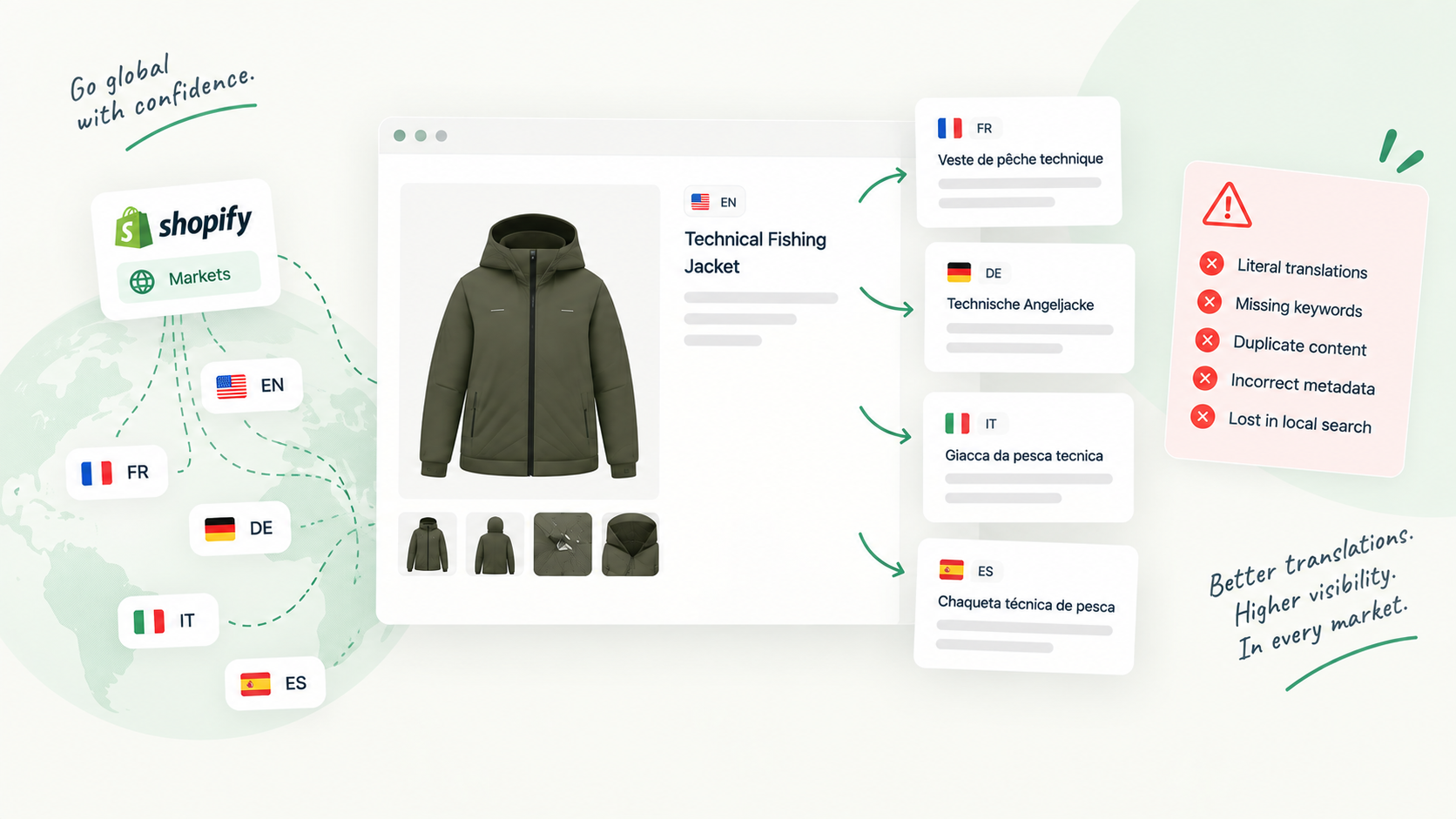
- Shopify handles the plumbing (language subfolders or domains, hreflang tags, redirects to translated handles), but not the quality of the words.
- Translate & Adapt auto-translates at most two languages, skips URL handles, and shows results on the storefront within minutes.
- The costly mistakes are unreviewed machine copy, SEO fields left in the source language, handles changed after launch and drifting terminology.
- Review each locale as its own version, field by field, before it is published.
How Shopify serves translated content
A Shopify store has one catalogue and one set of source content. Languages are added in the Languages settings, then assigned to markets, and each market can have its own default language. Customers reach a language through a dedicated URL: a subfolder such as example.com/de, a subdomain such as de.example.com, or a separate top-level domain such as example.de. Shopify’s own guidance calls subfolders the simplest option and the one that benefits most from your existing domain’s authority.
A few things happen without you doing anything:
- hreflang tags are added automatically for every international domain, subfolder and language-specific URL. You can switch this off, but then you own the tags.
- Translated handles are possible:
/products/chaircan become/products/stuhlin German. Theproductssegment itself stays in English. - Redirects are created from the default-language URL to the translated URL when you add a translated handle.
- Unpublishing a language hides it from customers without deleting the translations, but its URLs then return 404, so you need redirects.
So the technical layer is mostly handled. What Shopify cannot check for you is whether the words behind those URLs are correct, complete and consistent.
What automatic translation does, and what it skips
Most stores translate with Shopify’s Translate & Adapt app, sometimes with a third-party translation app or an AI tool on top. Translate & Adapt covers products, collections, blog posts, pages and policies, and metafields can be localized too. According to the Help Center:
- You can automatically translate a maximum of two languages. Once a language has been auto-translated you cannot move that allowance to another language, and removing the language does not reset it. Other languages have to be translated manually or with another app.
- URL handles are not auto-translated. You add them by hand, language by language.
- After you run auto-translation, the translations take a few minutes to display on your storefront. There is no review step in between unless you create one.
- When the source content changes, translations go out of sync. Running auto-translate again updates the outdated ones but leaves the translations you added or edited manually untouched.
That last point is useful and dangerous at the same time. Your manual fixes survive, but a manual translation you wrote a year ago will not follow a new source description either.
The five pitfalls that cost rankings
1. Machine translation published without review
The fastest path is also the riskiest: click auto-translate, see the storefront update, move on. Machine translation gets most sentences right and a few badly wrong, and the wrong ones tend to be the ones that matter: sizes, materials, care instructions, legal wording. Google’s spam policies list automated translation among the techniques used to mass-produce pages that give users little value. Your own catalogue translated is not spam, but unread output is exactly how a store ends up publishing sentences no native speaker would write.
2. SEO fields left in the source language
Descriptions get translated because everyone can see them. The page title and meta description are invisible on the page, so they are the easiest fields to leave in English on a French storefront. Search results then show an English snippet for a French query. Check alt text and metafields that render on the page for the same reason.
3. Translated handles that change live URLs
A translated handle reads better to local customers, but adding one after a locale has been live and indexed changes the URL Google knows. Shopify creates a redirect from the default-language URL, but do not assume every older URL is covered, especially if a translated handle is edited a second time. Decide handles before launch, and when you change one, test the old URL.
4. Inconsistent terminology
“Jumper” on the product page, “sweater” in the collection, “pullover” in the meta title. Machine translation picks words sentence by sentence, and several AI tools working on the same catalogue pick differently. Customers notice, and you split the queries you could have matched. Keep a short glossary per language (product types, materials, sizes, your brand terms) and check against it.
5. Duplicate content across same-language markets
If the US and UK markets both use English, they share the same English translation. That is fine when hreflang is in place, and Google’s guidance for similar content in the same language is to pick a preferred version with rel="canonical" and use hreflang so the right regional URL is served. Problems start when hreflang is disabled, when separate domains serve identical copy without canonicals, or when you actually need regional wording. For the last case, Translate & Adapt lets you adapt content per market (its own example: “Sweaters” in the US, “Jumpers” in the UK).
A pre-publication checklist for each locale
Run it against the proposed translation, not the storefront.
- Read by someone fluent in the language
- Page title translated and within length
- Meta description translated, not truncated
- Handle translated before first indexing, not after
- Old URL tested after any handle change
- Product names and key terms match the glossary
- Sizes, units and currencies correct for the market
- Care, safety and legal wording checked word for word
- Metafields that render on the page translated
- Image alt text translated
- Same-language markets checked for needed regional wording
- hreflang still enabled in the domain settings
Reviewing each locale before it goes live
The checklist only works if there is a moment where someone looks at the translation before customers do. In Shopify alone that moment does not exist: a translation saved in Translate & Adapt, or pushed by an app, is live as soon as the language is published.
This is the gap Vetta fills. A translation is proposed as a version, by a person, a CSV import or an AI agent, and reaches the storefront only when a reviewer approves it. The review screen shows a field-by-field diff between what is live and what is proposed, with one tab per locale: title, handle, description, SEO title, meta description, tags and metafields, compared word by word. A native-speaking reviewer can open the German tab, see that the meta description is still in English or that the handle changed, and send it back with a note instead of approving it.
Because reviewers do not need Shopify admin access, you can invite the freelance translator or the colleague in the Milan office to check only their language. And every approved version stays in the history, so if a bad translation does slip through you can restore the previous one.
Where to start
Pick your highest-traffic locale and audit its twenty most visited product pages against the checklist, starting with the SEO title and meta description. Then decide your handles for any locale you have not launched yet, write the glossary, and set a rule that no translation reaches the storefront until someone who reads the language has approved it.
Sources and references
- Add language translations using the Translate & Adapt appShopify Help Center
- Localization and translationShopify Help Center
- International domainsShopify Help Center
- Managing multi-regional and multilingual sitesGoogle Search Central

Hugo built his first Shopify stores around 2015, while studying management and accounting, after teaching himself to code as a teenager. He then specialised in digital marketing at ESCEN in Bordeaux and has worked with clients since 2018, first in web communication, then as a webmaster. Since 2020 he has led IT projects at Rodhouse, including its full migration to Shopify in 2023, and is now its Tech Lead. Vetta grew out of a problem he kept meeting with clients: content changed by people nobody had checked, with no way back. Away from the screen, he travels, keeps a close eye on investing and new technology, and spends as much time as he can on the water.
Frequently asked questions
Does Shopify add hreflang tags automatically?
Yes. Shopify's Help Center states that hreflang tags are created automatically for the international domains and subfolders you set up, and for language-specific URLs. You can turn this off, in which case you have to add your own tags.
Does Translate & Adapt translate URL handles?
No. Automatic translation does not include URL handles, so you add a translated handle manually for each language. When you do, Shopify creates redirects from the default-language URLs to the translated ones.
Is machine-translated content bad for SEO?
Not by itself. What Google objects to is content produced at scale that gives users little value, and its spam policies list automated translation as one way such content is made. A translation that a fluent reviewer has checked and corrected is just content in another language.